Overview
Last November, after more than 230 years of manufacturing, the U.S. Mint officially stopped producing pennies. To commemorate the coin, I built a generative AI loop that allows you to mint a personalized 3D penny with your face on it.
Since it’s hooked up to a paid API and user images would leave their computer, the tool isn’t live on my site. Below, I’ve outlined my workflow and process; above, you can see the output from when I ran it myself.
Mechanics
3D Modeling
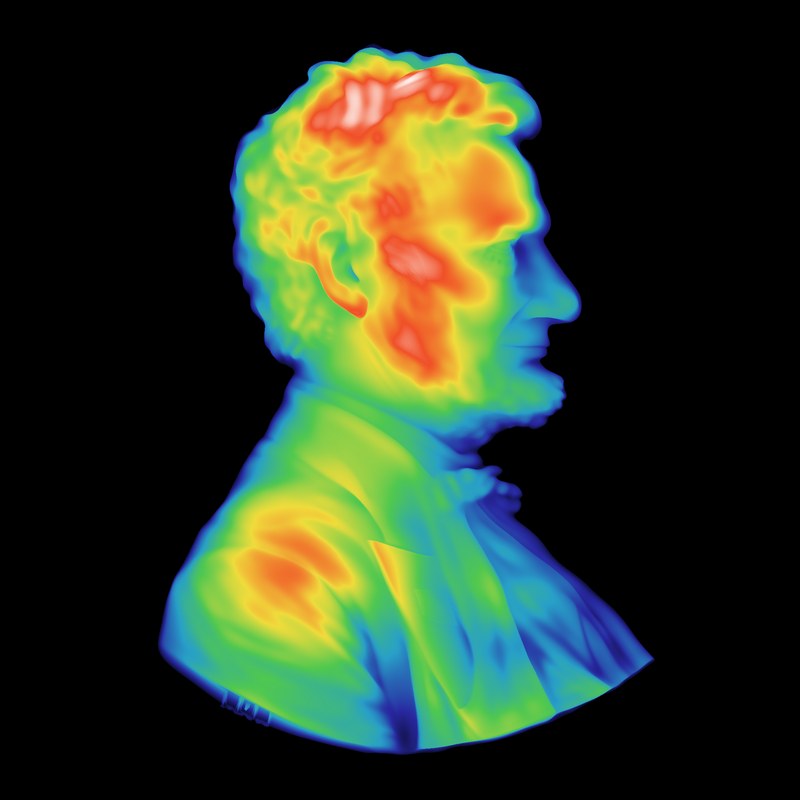
I pre-built most of the coin in Three.js: the penny texture, the lettering, and the lighting. The Lincoln Memorial illustration is based on measurements from a 2005 penny. To get an idea of the most realistic way to model bust depth and size, I measured Lincoln’s relief from a model of the real cent and captured the spread of heights.
Pipeline
The initial version ran entirely in the browser: a webcam paired with MediaPipe Face Landmarker took a profile photo, a depth model (Depth Anything V2 Small) estimated the shape of the head, and this combined with my earlier measurements to become a relief. However, this didn’t look as detailed or authentic as I would have liked.
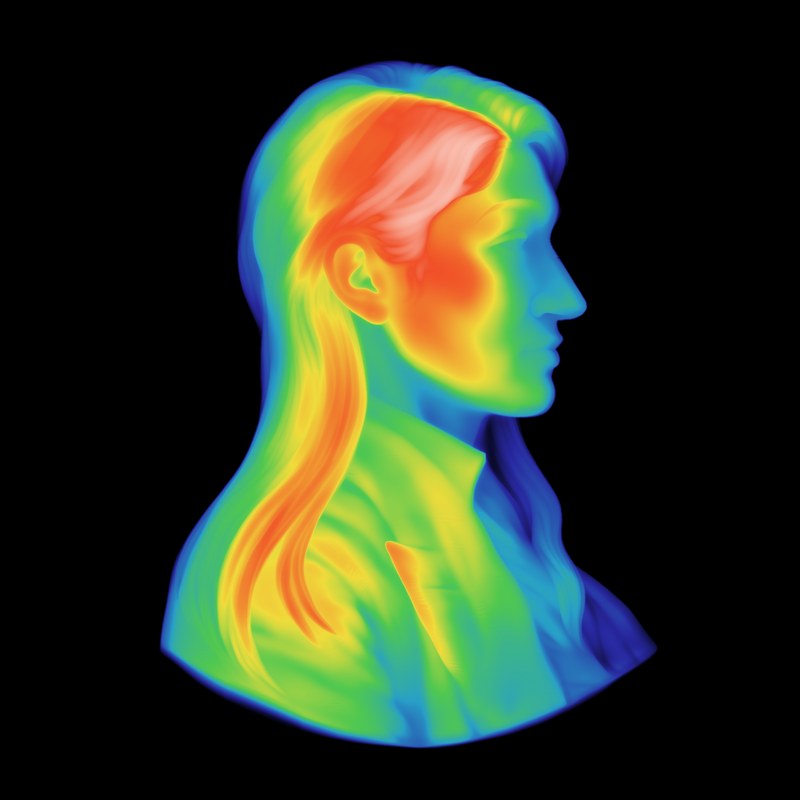
Ultimately, I incorporated two generative models to build a more refined bust. First I sent the captured image to an image-editing model (FLUX.1 Kontext) to convert it into a sculpted copper relief. Then an image-to-3D model (TRELLIS) turned the relief into a mesh. This mesh became a height map that was matched to the depth of Lincoln’s relief. Finally, this portrait was transferred onto the coin.
-
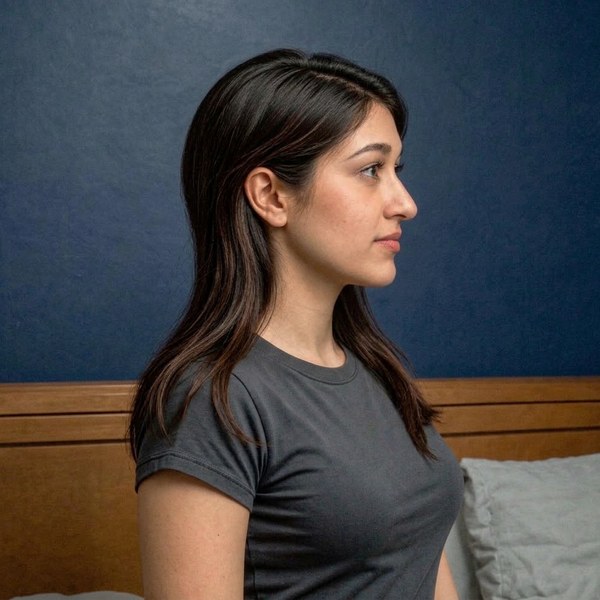
1 Photograph
In the browser
-
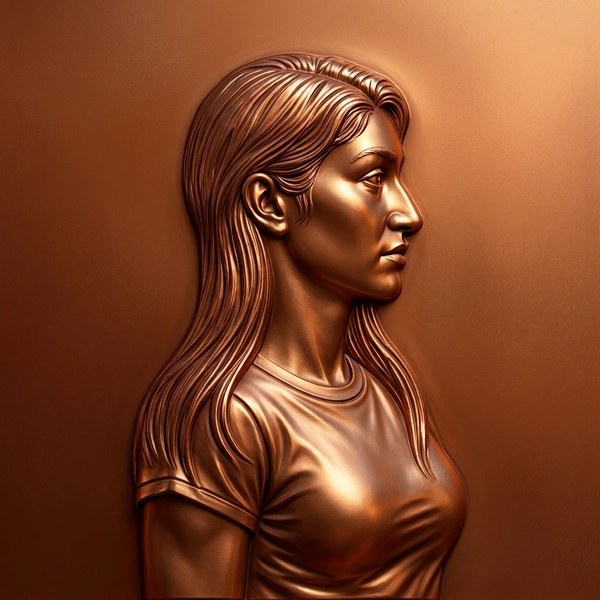
2 Restyle
Hosted image model
-
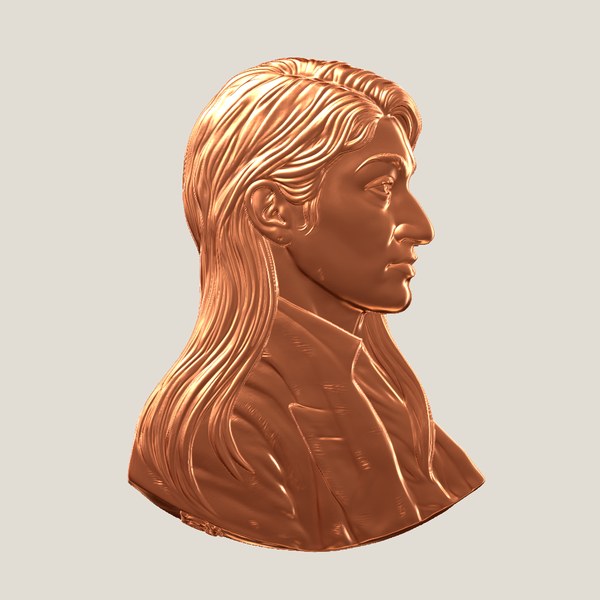
3 Lift
Hosted 3D model
-
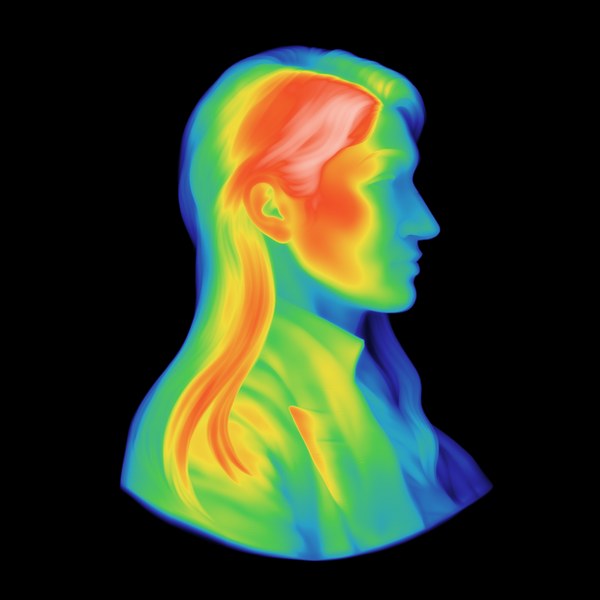
4 Flatten
In the browser
-
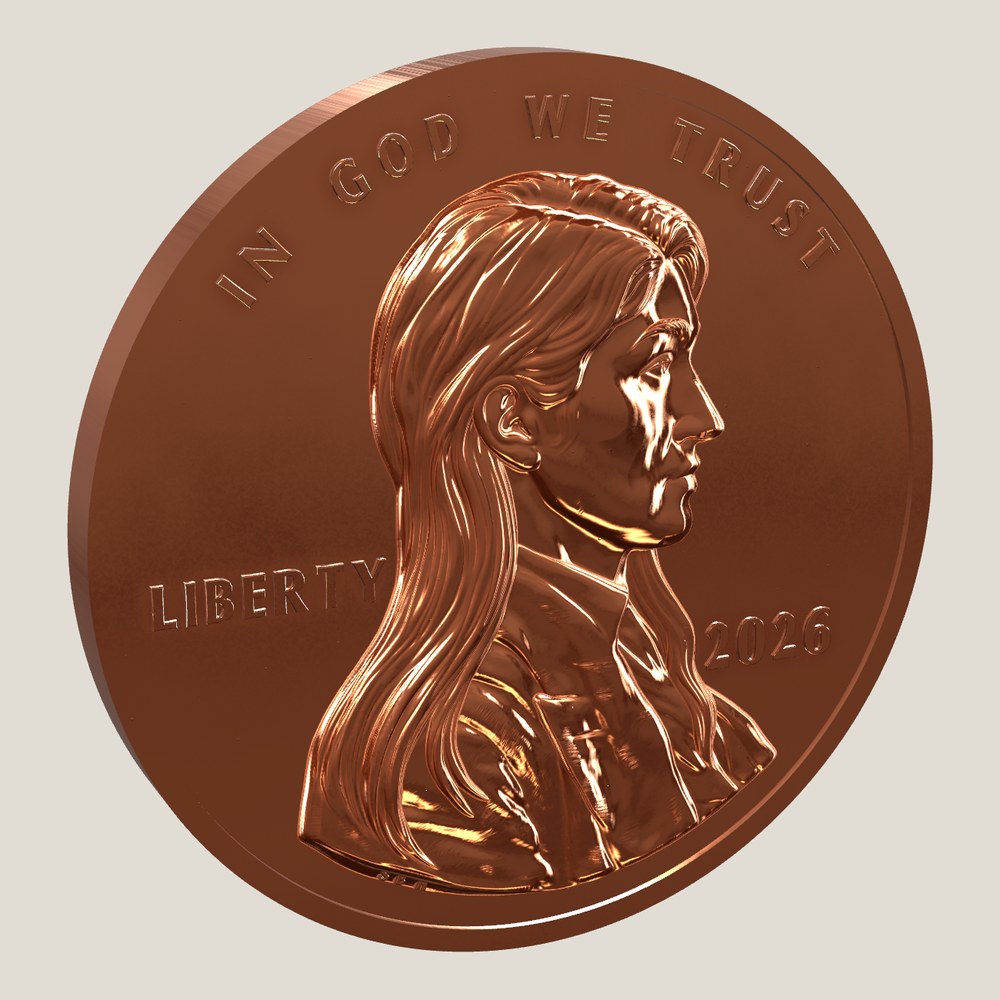
5 Transfer
In the browser